
Direct purchase using PayPal ($25 only)!
Using this new script you can search and replace the names of all the bookmarks in a single file, and if you have Acrobat Pro you can run this as an Action (or Batch Sequence) on multiple files, all for the low price of just $25!
Special offer: You can now get all three "Search & Replace Text" fields (for bookmarks, form fields and comments) for just $60, instead of $75! They can be purchased as a pack here.
Using this script is very easy. You just enter the search term and the replace term:

And all of the matching bookmark names are edited.
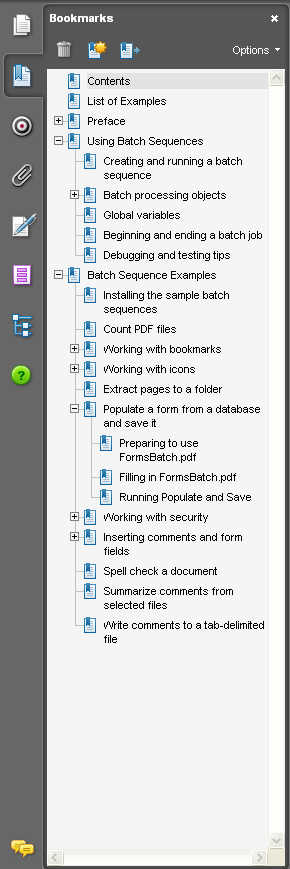
Before: After:

On top of that, you can even use some basic Regular Expression commands, like "\d" for a digit, "\s" for white-spaces, "$" as the beginning of the string and "^" for the end of it, etc.
If you have any questions regarding this tool, you can contact me directly.


No comments:
Post a Comment